Security & Bans
How TarPit.pro catches and bans attackers, plus advanced firewall features.
How Banning Works
When an attacker connects to a honeypot port, TarPit.pro:
- Serves a realistic banner to make the port look like a real service
- Engages the tarpit, slowly feeding data to waste the attacker's time
- Captures the attacker's IP, payload, and connection metadata
- Bans the IP via fail2ban, which adds an iptables/nftables rule
- Reports the attack to the cloud dashboard (if connected)
Bans are automatic and immediate. The attacker's IP is blocked from all ports on the server, not just the honeypot port they triggered.
Viewing Bans
How you view bans depends on your tier:
sudo fail2ban-client status tarpit-pro
# Shows currently banned IPs and total ban count

sudo tarpit-pro bans list
# Shows recent bans with timestampsView bans in the web dashboard under the Attacks section, with geo-location data and attack details.
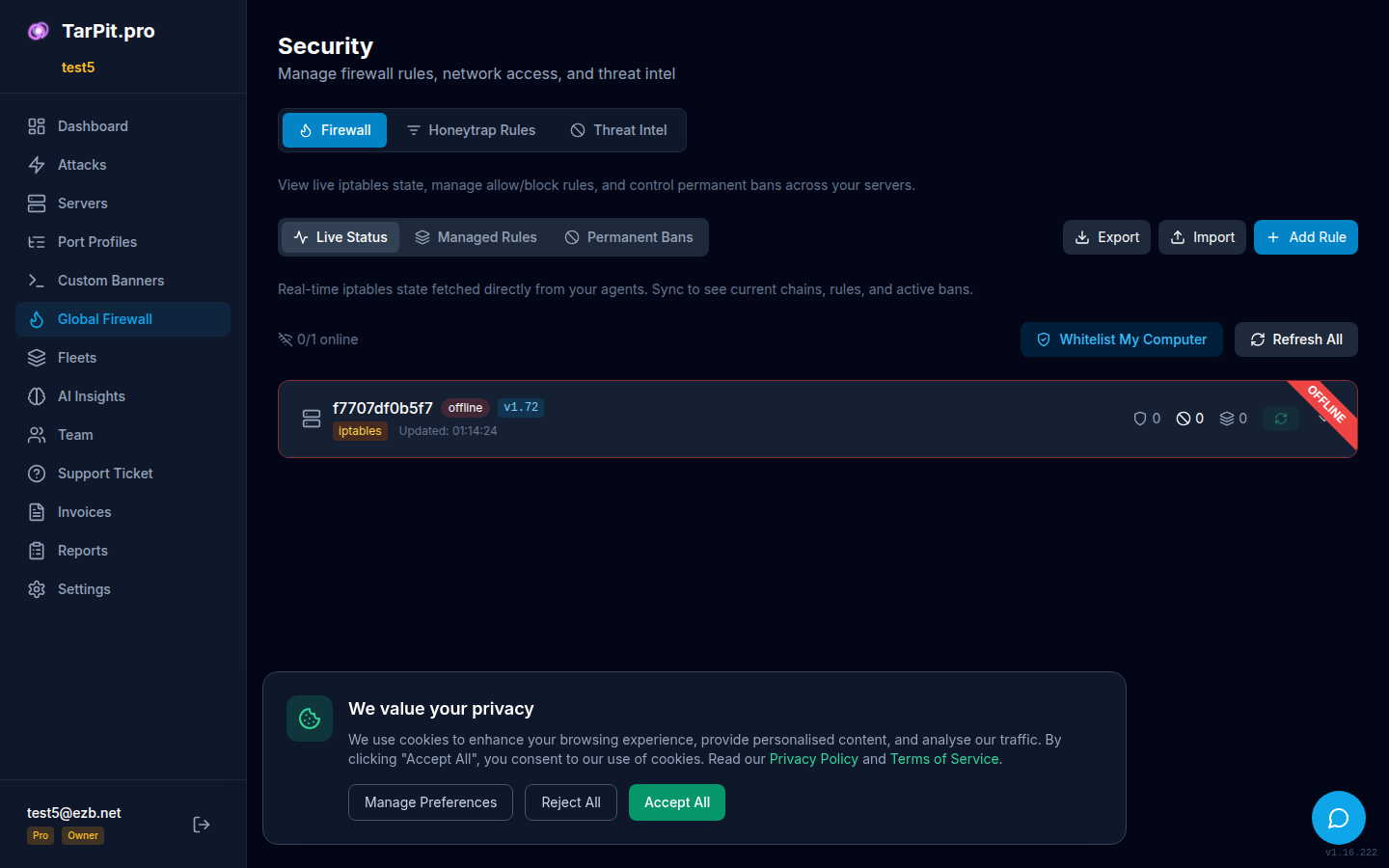
The security panel showing banned IPs with geo-location and ban details.
Global Firewall
Pro tier includes a centralized firewall management system. Create rules that apply across all your servers:
- Block rules: Block specific IPs or CIDR ranges across all servers
- Allow rules: Whitelist IPs that should never be banned
- Geo-blocking: Block entire countries
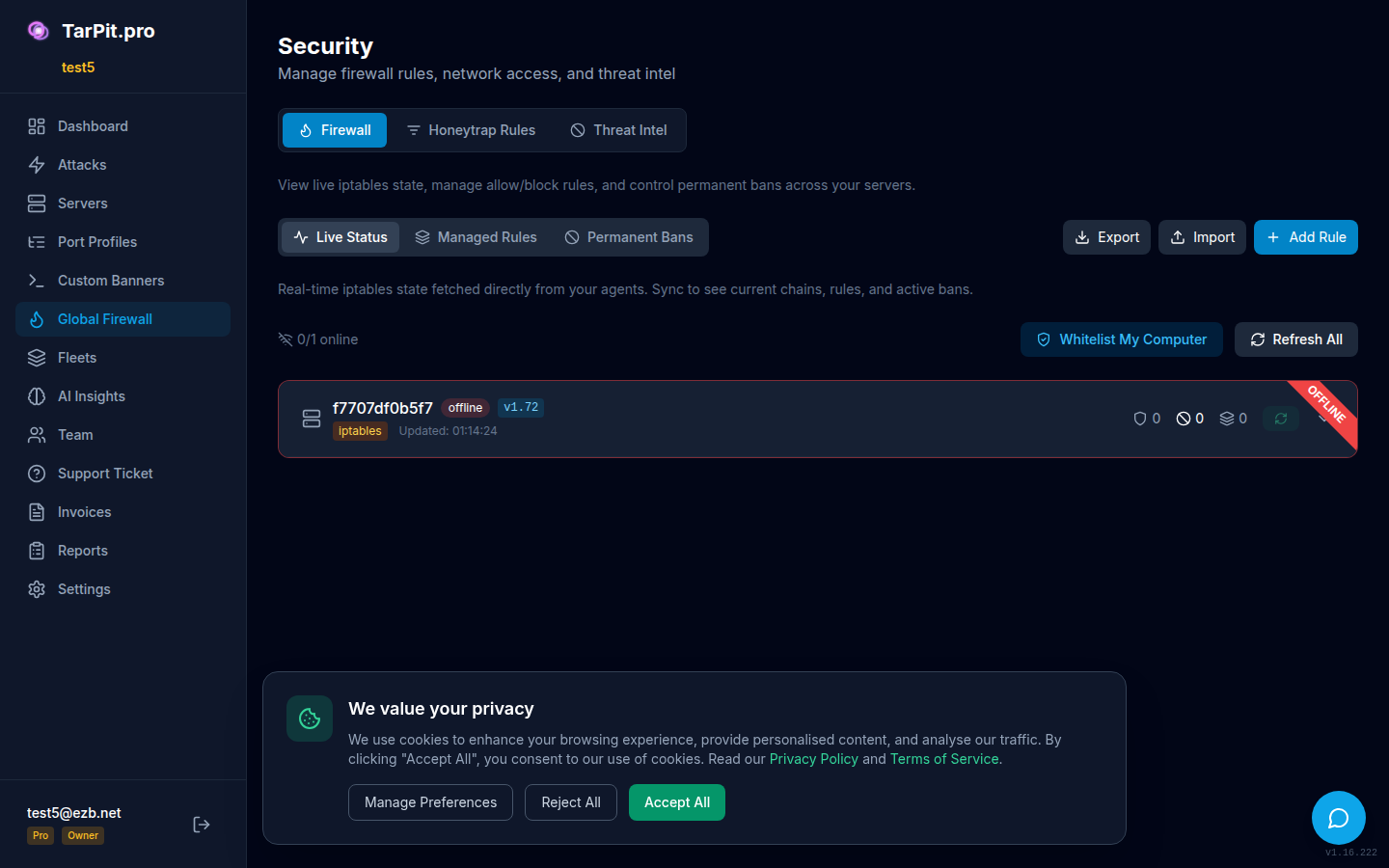
Create and manage firewall rules that propagate to all servers.
IP Whitelisting
Prevent accidental banning of trusted IPs by adding them to the whitelist. Supports individual IPs and CIDR ranges:
# Whitelist via CLI
tarpit-pro whitelist add 10.0.0.0/8 --reason "Internal network"
tarpit-pro whitelist add 203.0.113.50 --reason "Monitoring server"
tarpit-pro whitelist list
tarpit-pro whitelist remove 203.0.113.50
You can also manage the whitelist from the dashboard under the Global Firewall section.
Permanent Bans
Regular bans expire after a configurable period. Permanent bans never expire and are designed for:
- Repeat offenders: IPs that keep coming back after temp bans expire
- High-threat IPs: Flagged by AI threat scoring
- Known malicious ranges: CIDR blocks from threat intelligence
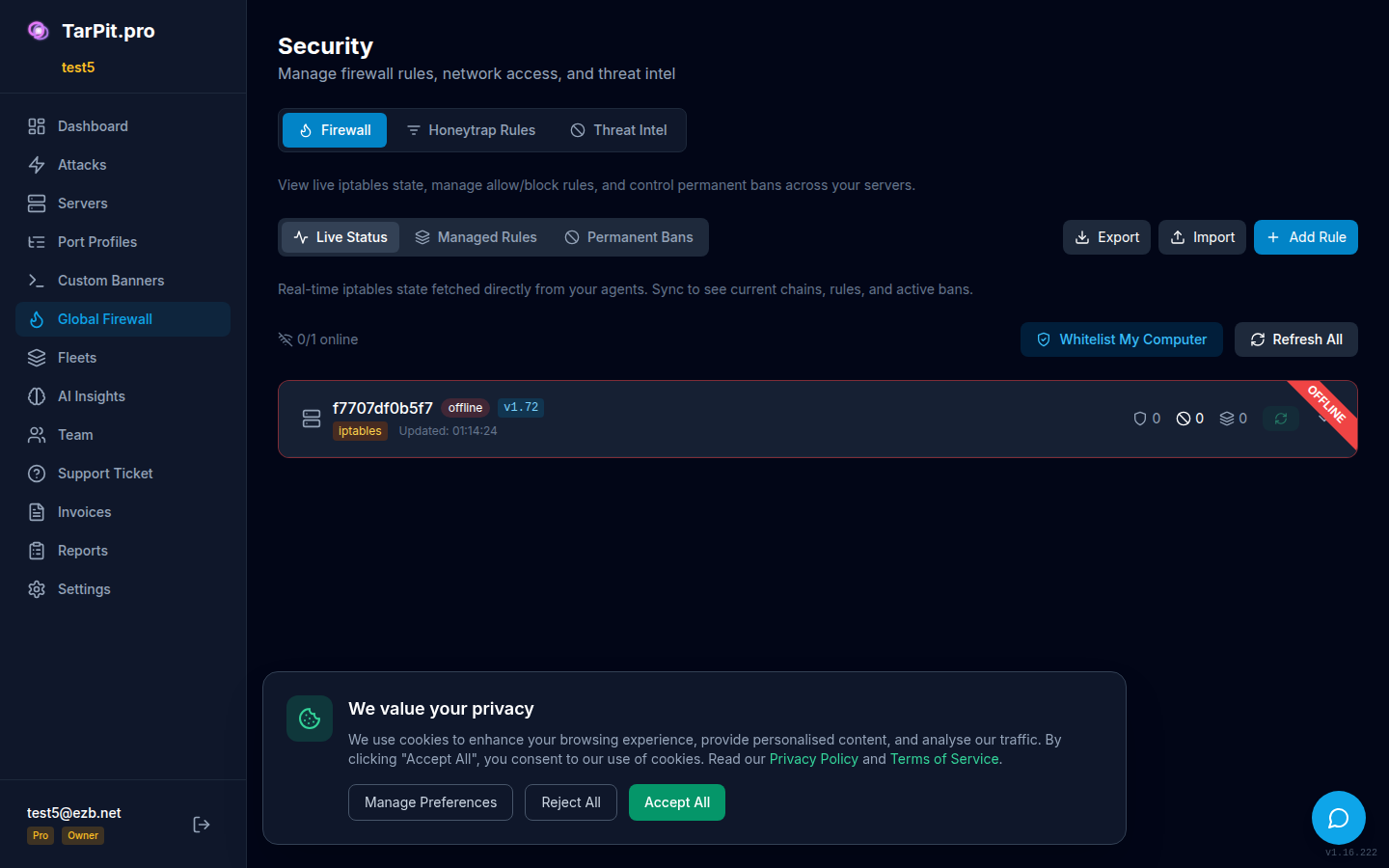
Manage permanent bans with threat scores and repeat offender tracking.
Unbanning IPs
Sometimes you need to unban an IP, for example, if a legitimate user triggered the honeypot.
# Unban via CLI
sudo tarpit-pro bans unban 203.0.113.50

# Unban via fail2ban directly
sudo fail2ban-client set tarpit-pro unbanip 203.0.113.50
On Starter and Pro tiers, you can unban IPs from the dashboard by clicking the unban button next to any banned IP. Pro tier users can also unban from the Global Firewall section.