Getting Started
Get TarPit.pro running on your server in under 60 seconds.
Quick Install
The fastest way to install TarPit.pro. Run this single command on any Linux server:
curl -fsSL https://get.tarpit.pro | sudo bashSupports Ubuntu, Debian, CentOS, RHEL, Fedora, and most Linux distributions. Also available for macOS and Windows.
What Gets Installed
/usr/local/bin/tarpit-proMain binary, the honeypot engine and CLI
~/.tarpit-pro/config.yamlConfiguration file with default port list
systemd / launchd serviceSystem service for auto-start on boot
fail2ban integrationAutomatic IP banning via iptables/nftables
Creating an Account
Sign up at tarpit.pro/register with your email address. You'll receive a verification email, click the link to activate your account.
Once verified, you can create your company workspace and start adding servers.
Connecting Your First Server
After creating your account, go to Servers → Add Server in the dashboard. You'll get a registration code. Run it on your server:
# Install and connect in one step
curl -fsSL https://get.tarpit.pro | sudo bash -s -- --code "YOUR-REGISTRATION-CODE"
Or if TarPit.pro is already installed:
sudo tarpit-pro init --code "YOUR-REGISTRATION-CODE"
sudo tarpit-pro service start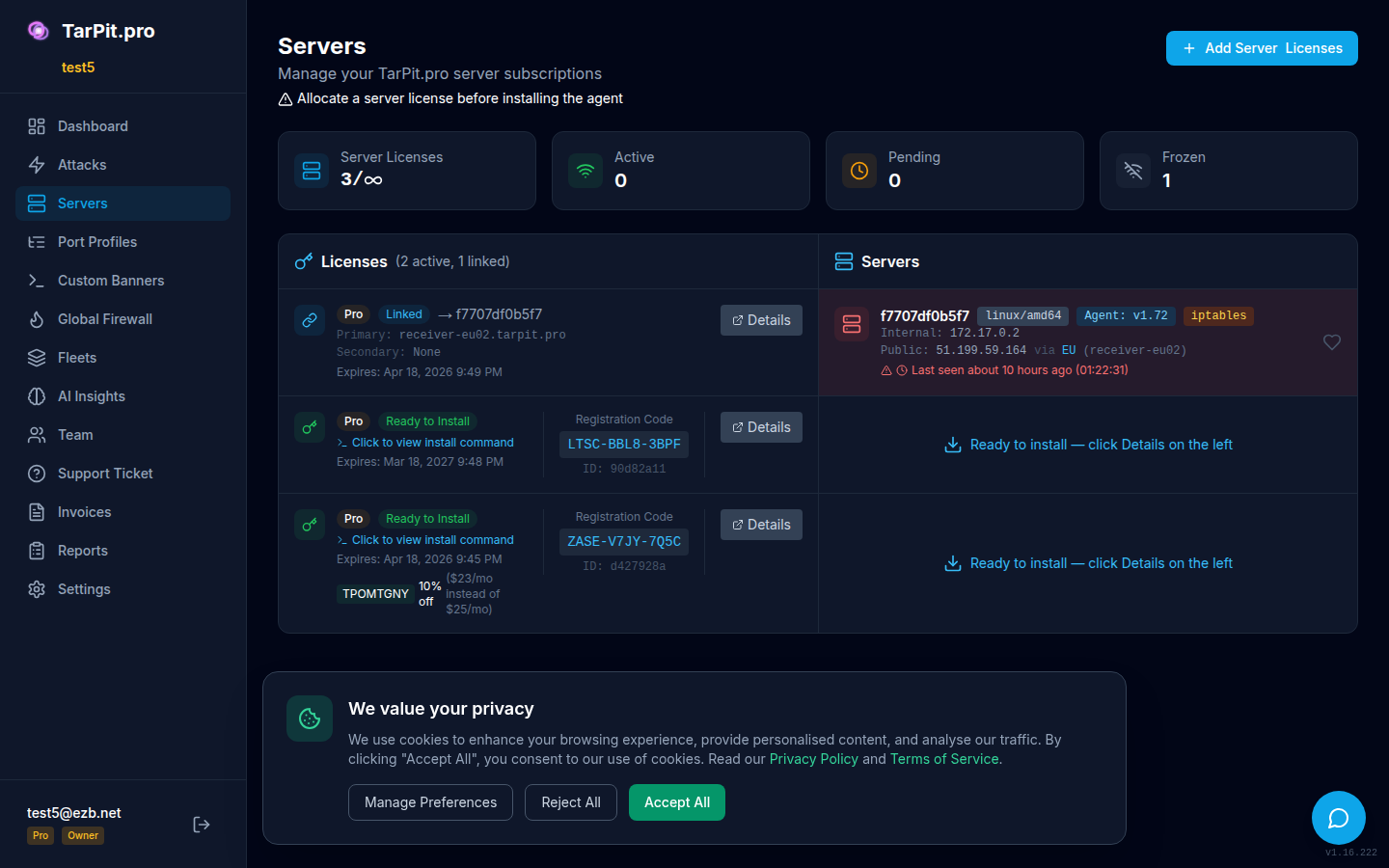
The Add Server dialog provides a one-liner install command with your registration code.
Your First Dashboard View
Once your server is connected, the dashboard will show live attack data within seconds. Any scanner or bot that probes your honeypot ports will appear on the map and in the live feed.
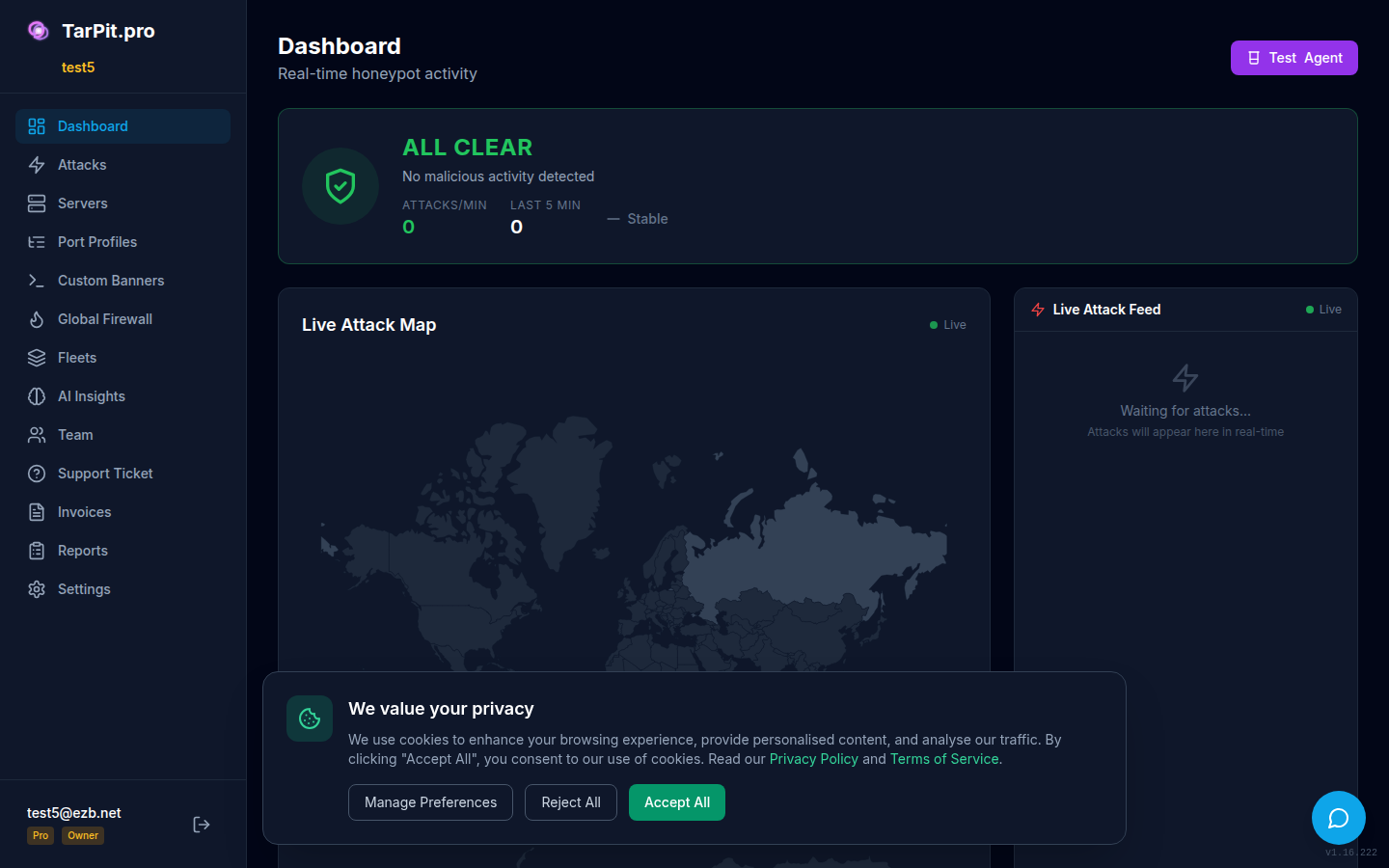
The dashboard shows real-time attacks, threat level, and statistics.
Free Tier: What You Get
The free tier gives you a fully functional honeypot with cloud dashboard:
On the free tier, view banned IPs directly from the CLI:
sudo fail2ban-client status tarpit-proVerify Installation
tarpit-pro version
# TarPit.pro v1.x.x
# Built: 2026-xx-xx
# Platform: linux/amd64

tarpit-pro status
# Status: running
# Ports: 21, 22, 23, 3306, 5432, 6379
# Attacks (24h): 0
Next Steps
- Explore the Dashboard to see live attacks
- Add custom ports in Configuration
- Learn about Security & Bans to manage blocked IPs
- Upgrade to Starter or Pro for extended storage and advanced features