Fleets
ProGroup servers into fleets and propagate bans and rules across your infrastructure.
What Are Fleets?
Fleets are logical groups of servers. Instead of managing each server individually, group related servers (e.g., "Production Web", "Database Cluster", "Staging") and apply rules at the fleet level.
When an attacker is banned on any server in a fleet, the ban automatically propagates to all other servers in the same fleet.
Creating and Managing Fleets
Navigate to Fleets in the sidebar. Click Create Fleet to create a new fleet, then assign servers to it.
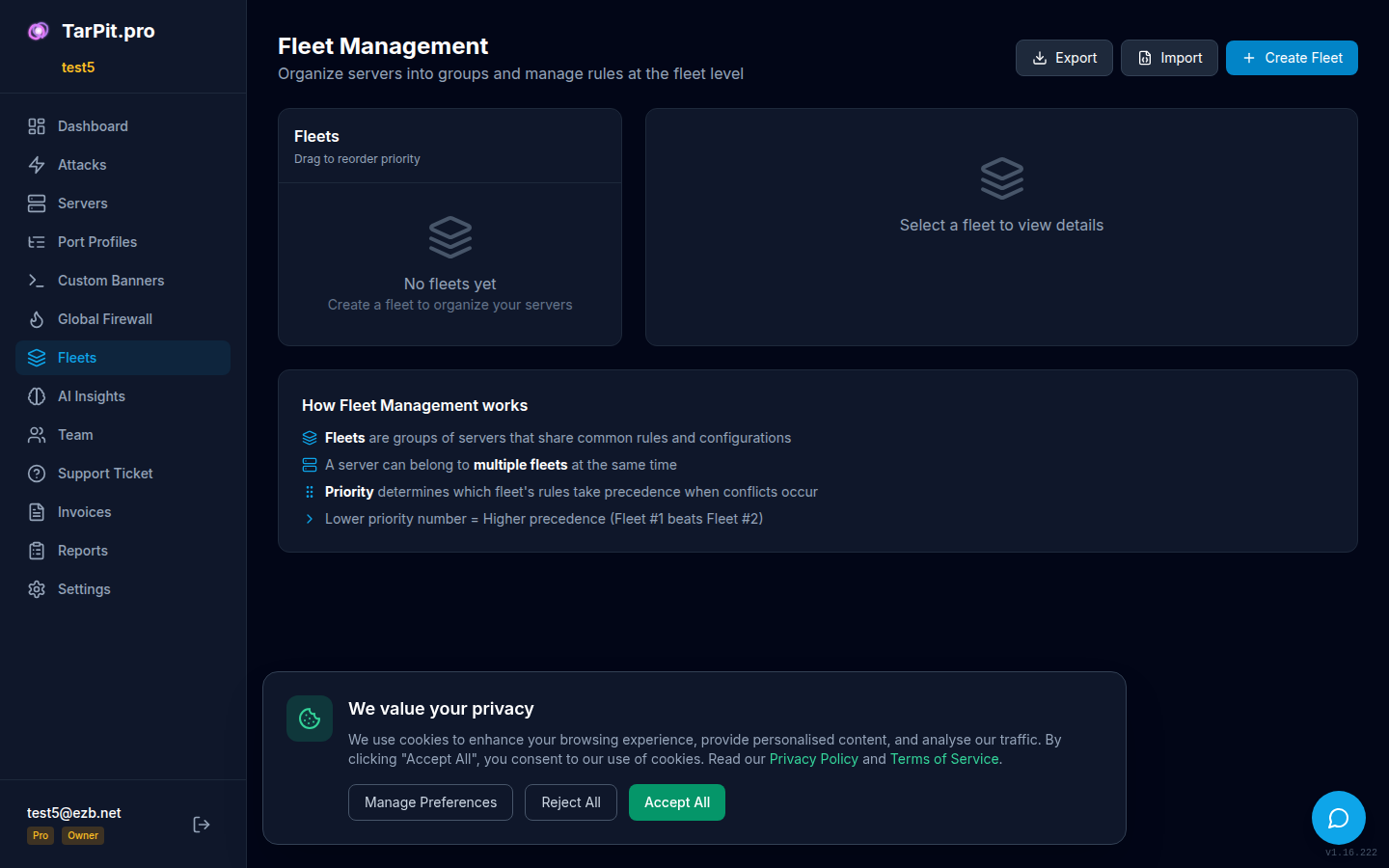
Fleet overview showing server groups and ban counts.
Each fleet shows:
- Number of servers assigned
- Total attacks across the fleet
- Active ban count
- Fleet-specific firewall rules
Fleet Bans
Fleet bans propagate automatically across all servers in the fleet via the NATS message bus. When a ban is triggered on one server:
1. Attacker hits honeypot on server-A
          │
          ▼
2. Agent bans IP locally via iptables
          │
          ▼
3. Agent reports ban to cloud API
          │
          ▼
4. Cloud broadcasts ban to fleet via NATS
          │
    ┌─────┼─────┐
    ▼     ▼     ▼
5. All fleet members apply the ban
Propagation is near-instant (typically under 1 second). View fleet-wide bans from the CLI:
tarpit-pro fleet bans

# IP              BANNED BY        REASON              PROPAGATED
# 192.168.1.100   web-server-01    SSH brute force     3/3 agents
# 10.0.0.50       db-server-01     MySQL exploit       3/3 agents
Fleet Firewall Rules
Create firewall rules at the fleet level. Fleet rules apply to all servers in the fleet and take precedence over individual server settings.
# View fleet rules via CLI
tarpit-pro fleet rules list

# Sync fleet configuration to local
tarpit-pro fleet sync
Fleet CLI Commands
| Command | Description |
|---|---|
| tarpit-pro fleet list | List all agents in your fleet |
| tarpit-pro fleet list -v | List with detailed info |
| tarpit-pro fleet bans | Show fleet-wide bans |
| tarpit-pro fleet sync | Force sync bans from cloud |
| tarpit-pro fleet info <id> | Show details for a specific agent |
| tarpit-pro fleet rules list | List fleet firewall rules |