AI & Advanced Features
ProAI-powered threat analysis, custom banners, CVE detection, and security reports.
AI Insights
The AI Insights page provides machine-learning-powered analysis of your attack data:
- Threat patterns: Identifies coordinated attacks and botnet activity
- Trend analysis: Shows how attack patterns change over time
- IP reputation: Threat scores for attacker IPs based on behavior
- Subnet analysis: Groups attacks by subnet to identify hostile networks
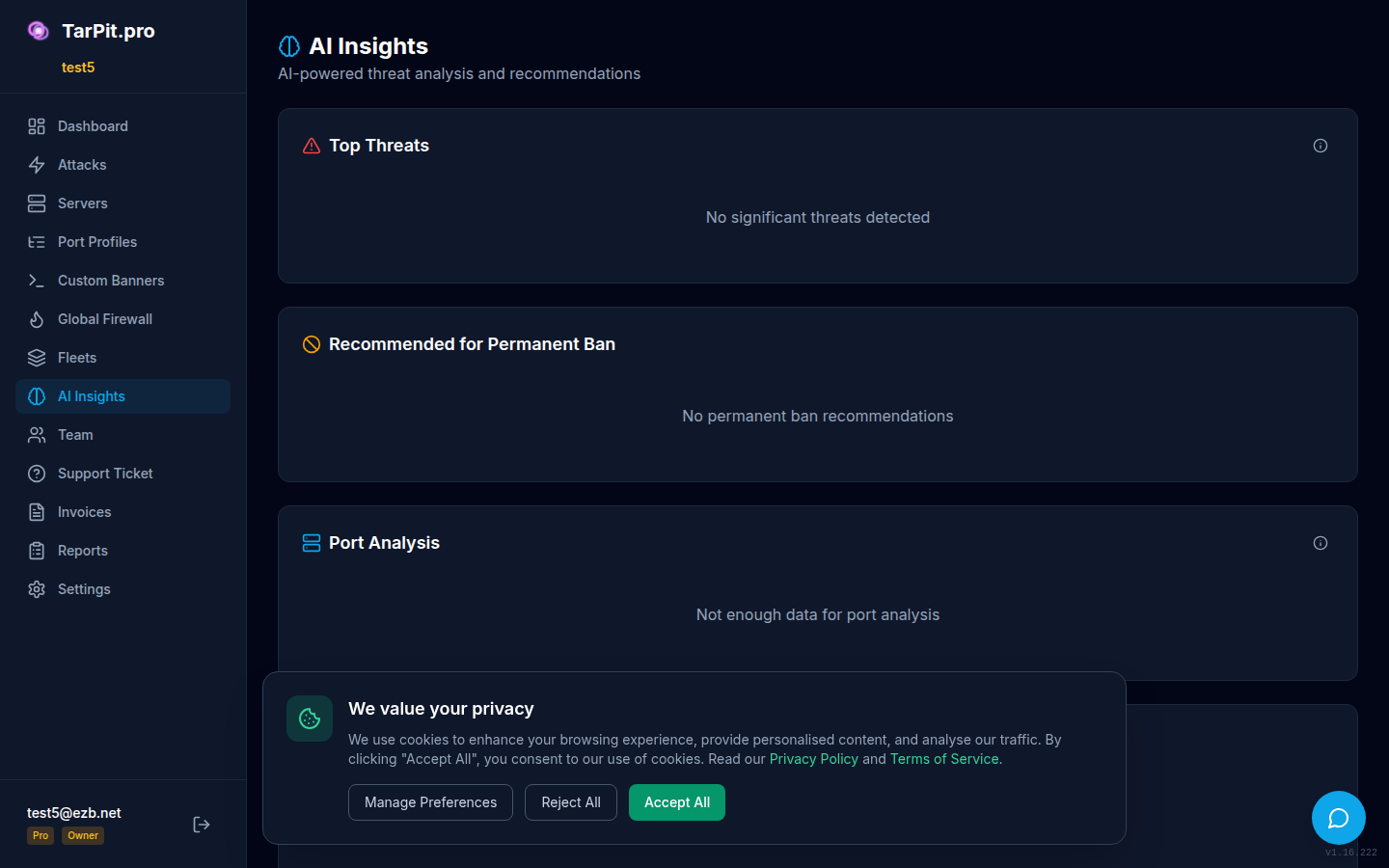
AI-powered threat analysis showing patterns and recommendations.
AI Recommended Bans
Based on threat analysis, the AI engine recommends IPs and subnets to ban proactively. Each recommendation includes a confidence score and the reasoning behind it:
- Accept: Apply the recommended ban across all servers
- Reject: Dismiss the recommendation (improves future accuracy)
- Defer: Review later
You can also manage AI recommendations via CLI:
tarpit-pro ai recommend     # Show AI recommendations
tarpit-pro ai status        # AI engine status
tarpit-pro ai ban <ip>      # Apply recommended ban
Custom Banners
Customize the banners that TarPit.pro serves to attackers on each port. By default, realistic service banners are used (e.g., OpenSSH 8.9p1, MySQL 8.0.35). With custom banners, you can:
- Mimic specific software versions to study targeted attacks
- Use deliberately vulnerable-looking banners to attract more detailed probes
- Match your real infrastructure's software versions for deception
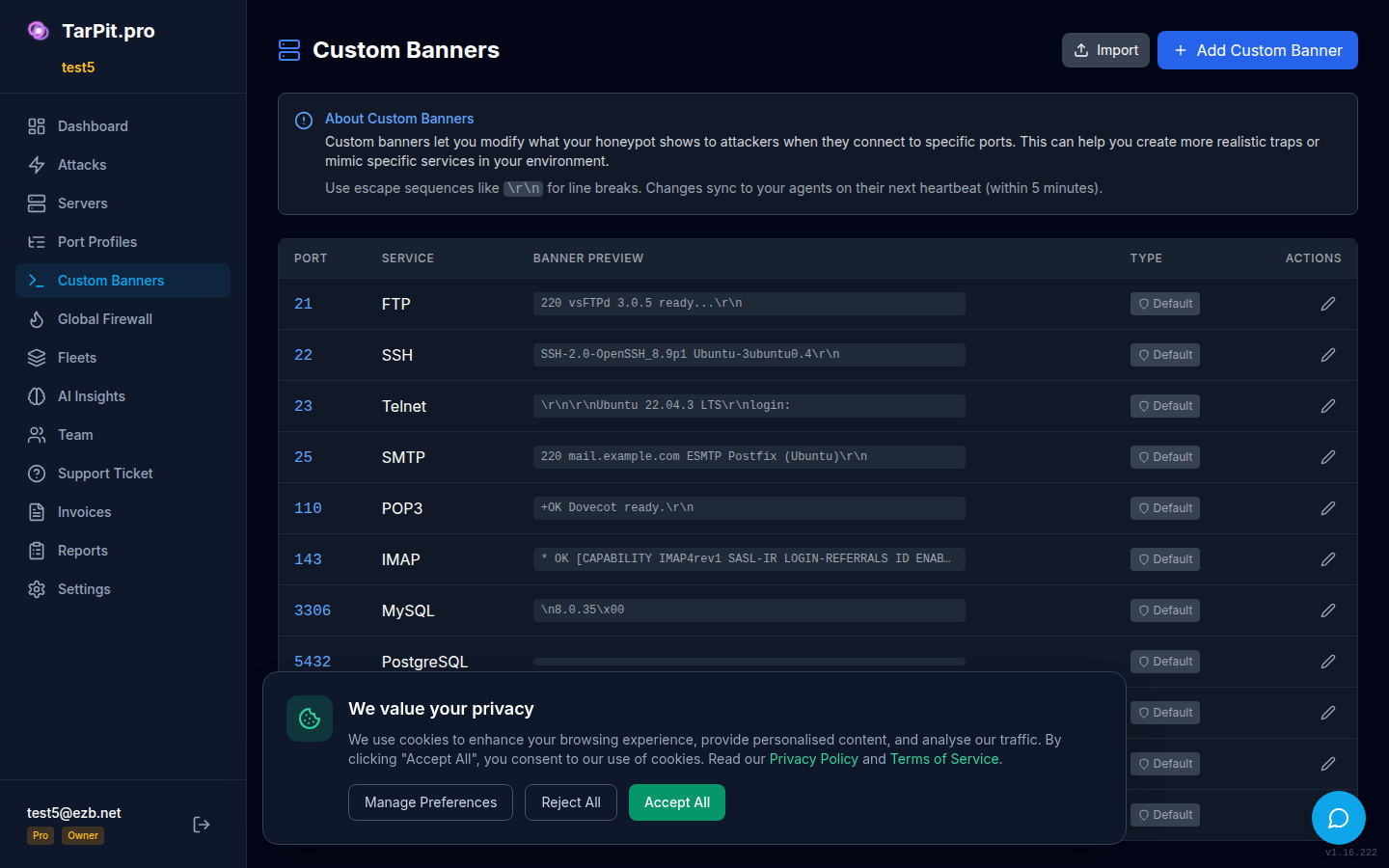
Edit banners per port to customize what attackers see.
CVE Detection
TarPit.pro scans incoming payloads against a database of known CVE exploit signatures. When a match is found:
- A CVE badge appears on the attack in the dashboard
- The CVE ID links to the NVD vulnerability database
- You can filter attacks by CVE to see exploitation attempts for specific vulnerabilities
# CVE management via CLI
tarpit-pro cve list         # List detected CVEs
tarpit-pro cve update       # Update CVE signature database
tarpit-pro cve status       # Show database version and stats
Security Reports
Generate PDF security reports for compliance, management, or audit purposes. Reports include:
- Attack summary and statistics for the selected period
- Top attacking IPs and countries
- CVE exploitation attempts
- Ban activity and effectiveness metrics
- AI threat analysis summary
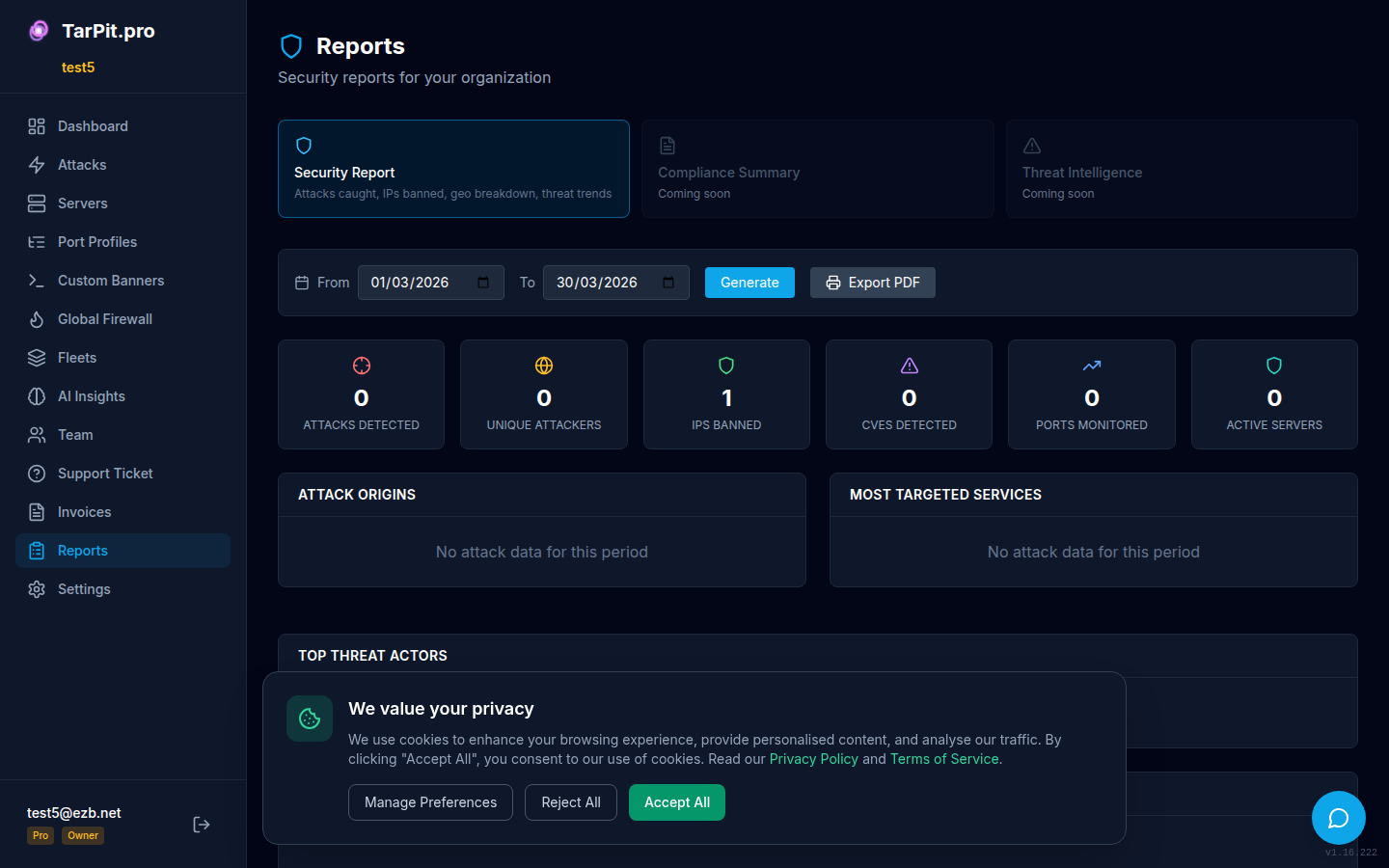
Generate and download security reports for any date range.
Access reports from the Reports page in the sidebar. Select a date range and click Generate Report. Reports are generated as downloadable PDFs.