Attacks
Browse, search, and analyze captured attacks across all your servers.
Attack List
The attacks page shows a paginated list of all captured attacks. Each row displays:
- Attacker IP and country flag
- Target port and service name
- Attack type (brute force, scan, exploit, etc.)
- Duration the attacker was held in the tarpit
- Timestamp
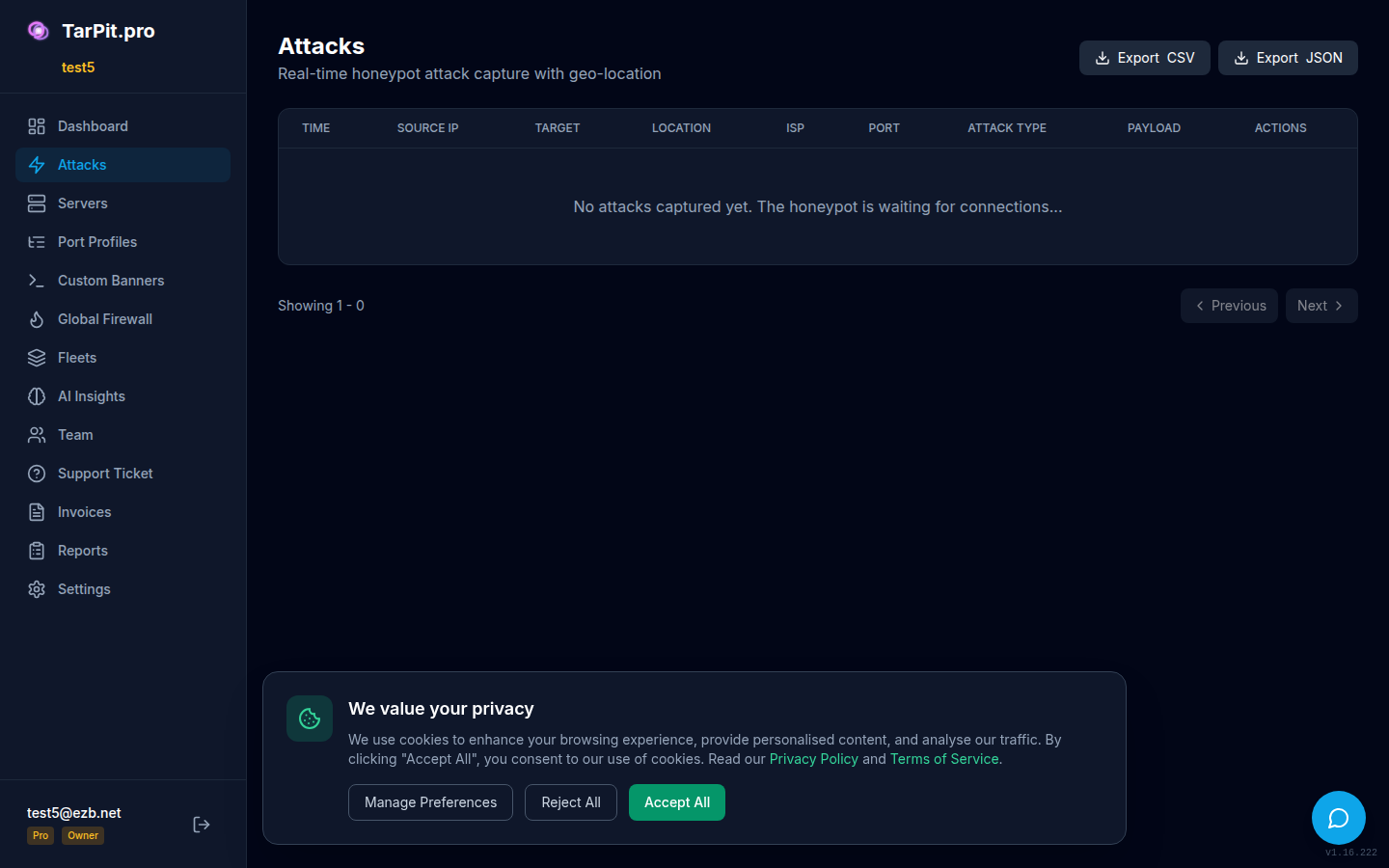
The attack list with sortable columns and pagination.
Filtering Attacks
Use the filter bar to narrow down attacks by:
- Port: Show attacks targeting a specific port
- IP Address: Search for a specific attacker IP
- Date Range: Filter by time window
- Attack Type: Filter by classification (brute force, scan, etc.)
- Server: Show attacks from a specific server
Attack Detail View
Click any attack to see its full details, including:
- Complete attacker metadata (IP, country, city, ISP)
- Timeline of the connection (connect, data sent, disconnect)
- The banner that was served to the attacker
- Server and port information
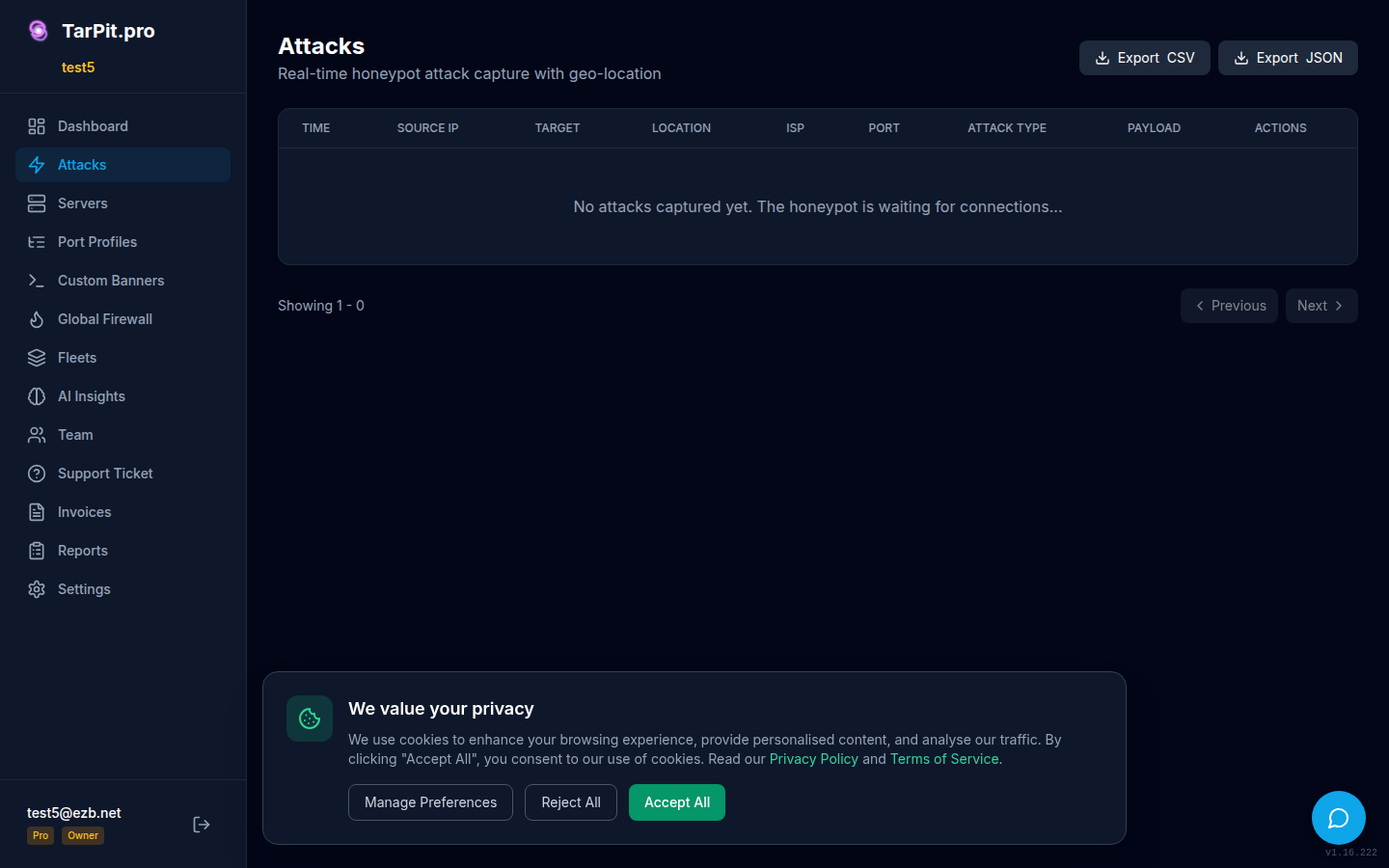
Detailed view of a single attack showing metadata and timeline.
Payload Tabs
Pro tier users can inspect the raw data sent by attackers:
- Raw: Hex dump of the exact bytes received
- ASCII: Human-readable text view
- Credentials: Extracted username/password pairs from brute force attempts
- Commands: Extracted shell commands from exploitation attempts
CVE Detection
TarPit.pro automatically scans attack payloads for known CVE exploit patterns. When a match is found, a CVE badge appears on the attack with a link to the vulnerability database. This helps you understand what attackers are trying to exploit.
Exporting Attacks
Export attacks in CSV or JSON format for further analysis or compliance reporting:
# CLI export
tarpit-pro attacks export -o attacks.json
tarpit-pro attacks export --format csv -o attacks.csv

# Dashboard: click "Export" button in the attacks page header
Free Tier: Viewing Bans
On the free tier, the dashboard shows the live map and feed. For a detailed list of banned IPs, use the CLI:
# View all currently banned IPs
sudo fail2ban-client status tarpit-pro

# Output:
# Status for the jail: tarpit-pro
# |- Filter
# |  |- Currently failed: 0
# |  |- Total failed:     47
# |  `- File list:        /var/log/tarpit-pro.log
# `- Actions
#    |- Currently banned: 12
#    |- Total banned:     47
#    `- Banned IP list:   203.0.113.5 198.51.100.23 ...