Account & Billing
Manage your subscription, team members, invoices, and account settings.
Registration
Create your account at tarpit.pro/register. You'll need:
- Email address (verified via confirmation link)
- Company name (used for your workspace)
- Password (minimum 8 characters)
After registration, you start on the free tier. You can upgrade at any time from the Settings page.
Subscription Tiers
| Feature | Free | Starter | Pro |
|---|---|---|---|
| Attack Storage | 100 | 10,000 | 100,000 |
| Retention | 24 hours | 30 days | 90 days |
| Servers | 2 | Unlimited | Unlimited |
| Cloud Dashboard | Yes | Yes | Yes |
| Geo-location | Country | City + ISP | City + ISP |
| Payload View | , | , | Yes |
| CVE Detection | , | , | Yes |
| Export (CSV/JSON) | , | , | Yes |
| Port Profiles | , | Yes | Yes |
| Custom Banners | , | , | Yes |
| Global Firewall | , | , | Yes |
| Fleets | , | , | Yes |
| AI Insights | , | , | Yes |
| Team Members | 1 | 3 | 10 |
| Reports | , | Yes | Yes |
Prices are per server per month. See Pricing for current rates. Storage add-ons (+10,000 attacks) available on paid tiers.
Upgrading & Downgrading
Change your plan from Settings → Billing. Changes take effect immediately:
- Upgrade: You're charged the prorated difference for the remaining billing period. The upgrade day itself is free.
- Downgrade: You receive a prorated credit for the remaining billing period (minus a 5% handling fee).
- Cancel to Free: You receive a prorated refund for remaining days (minus 5% handling fee). All server licenses are cancelled.
Refund Policy
All refunds include a 5% credit handling fee to cover payment processing costs. Refunds are capped at the original invoice amount per license. Refunds are processed automatically and appear as credits on your next invoice or as a refund to your payment method.
Coupon Codes
Enter coupon codes during checkout or in Settings → Billing. Coupons are:
- Permanent on a license, they apply to all future renewals
- Tier-specific, some coupons only apply to Starter or Pro
- Retained when changing tiers (shown as inactive if not applicable to the new tier)
Team Management
Invite team members from Team in the sidebar. Each member gets a role:
| Role | Permissions |
|---|---|
| Owner | Full access, billing, team management, delete company |
| Admin | Full access, team management (cannot delete company) |
| Operator | Manage servers, bans, fleets, view attacks |
| Viewer | Read-only access to dashboard and attacks |
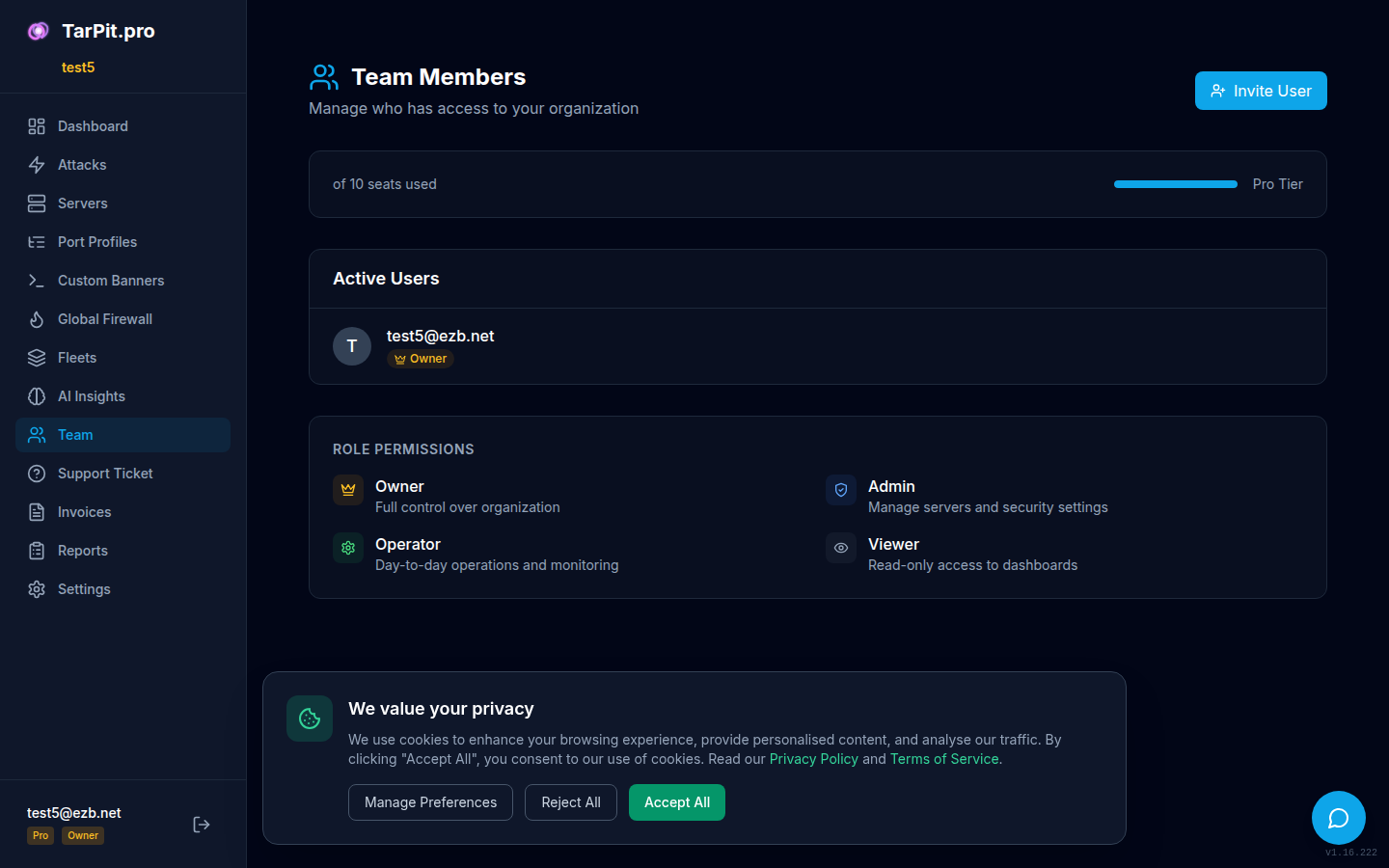
Invite and manage team members with role-based access.
Invoices
View and download invoices from the Invoices page. Each invoice includes:
- Invoice number and date
- Line items (subscription, add-ons, prorations)
- VAT details (if applicable)
- Download as PDF
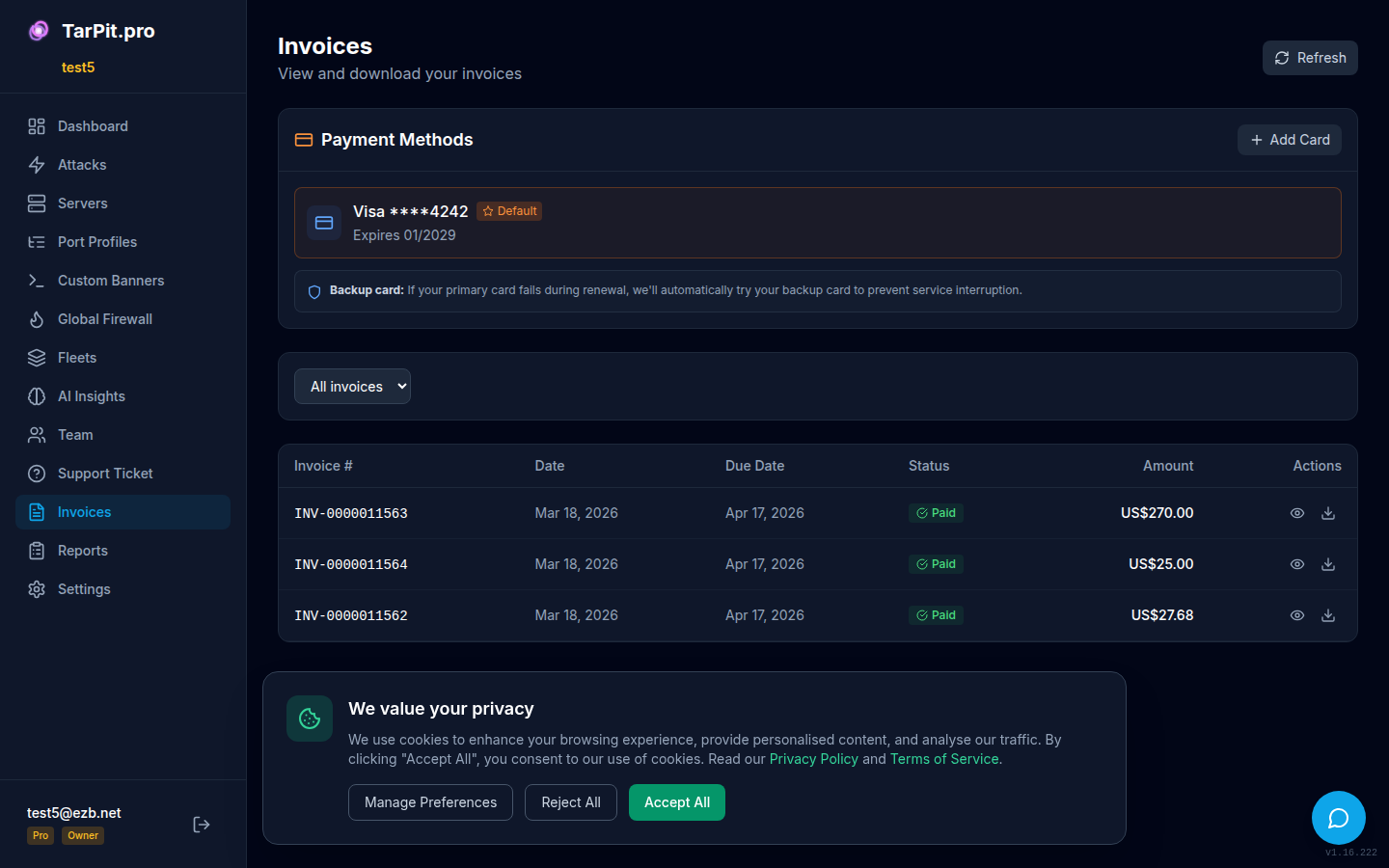
View invoice history and download PDFs.
Account Settings
Access settings from the Settings page in the sidebar:
- Profile: Email, password, display name
- Company: Company name, address, VAT number
- Billing: Subscription management, payment method, coupon codes
- API Tokens: Generate and manage API access tokens
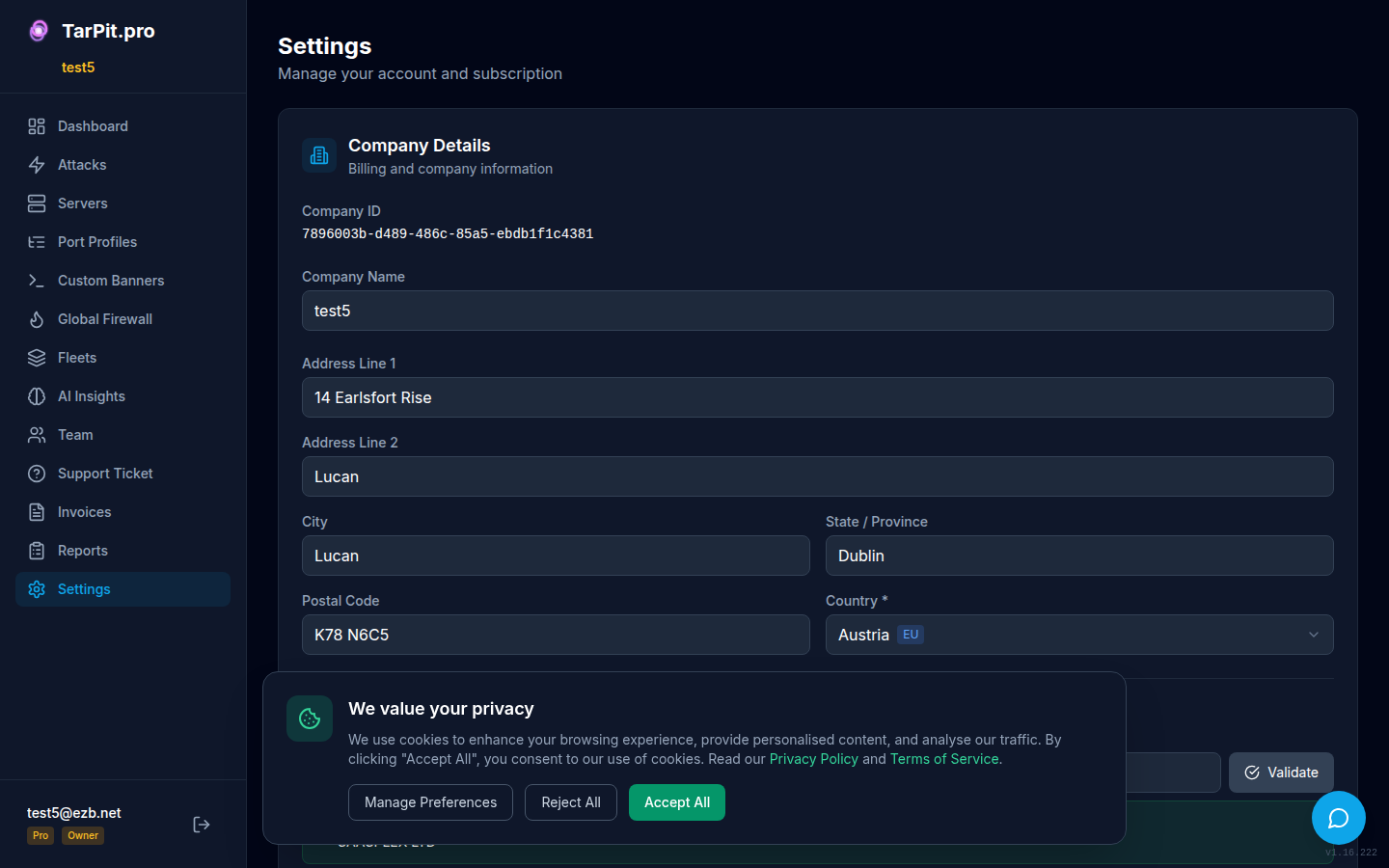
Account settings with profile, company, and billing sections.